xRM MDA for Power Apps
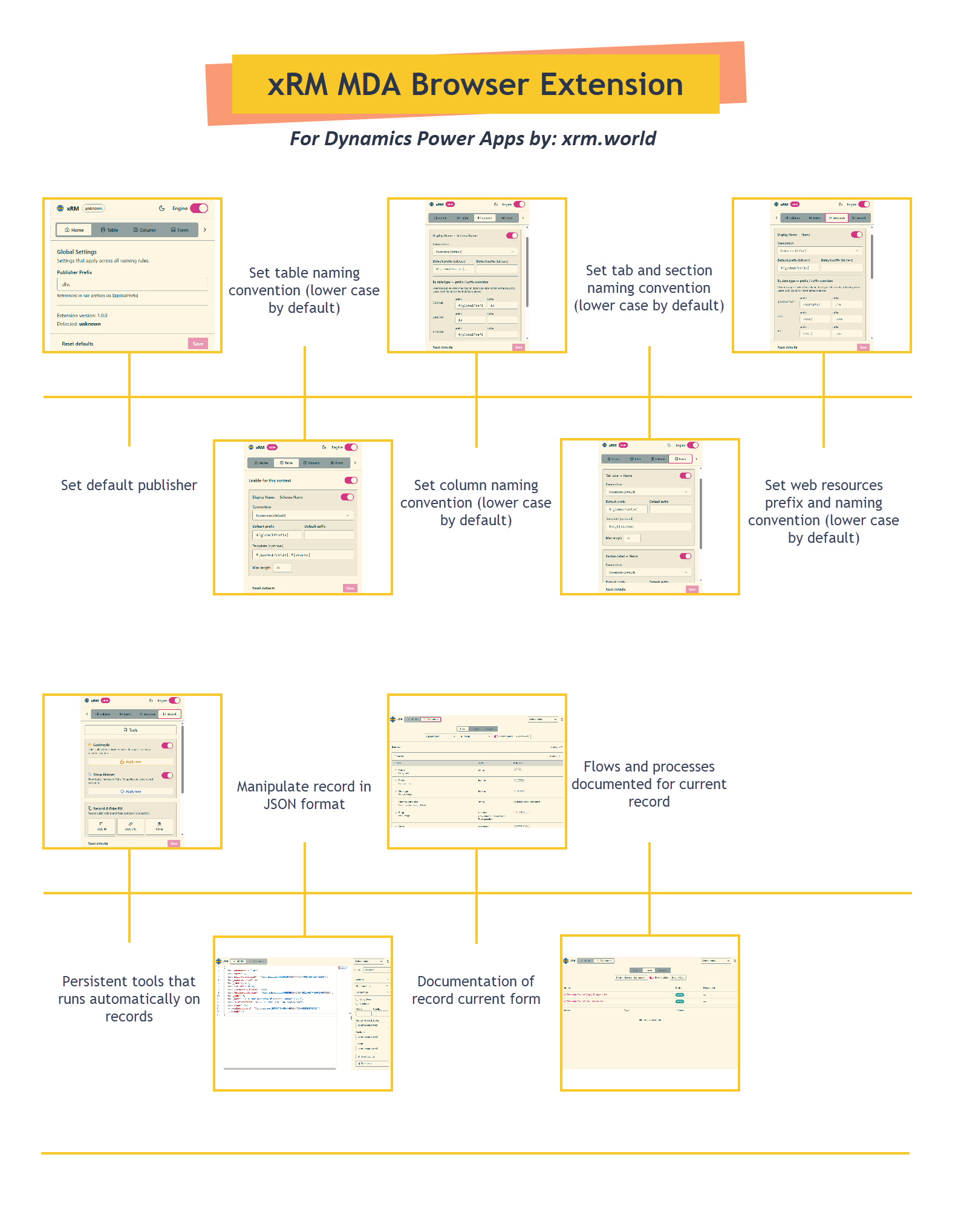
Naming Engine
The naming engine is the core feature of xRM MDA. It watches for keystrokes in the Power Apps Maker Portal and auto-formats target fields (Schema Name, Logical Name, Unique Name) based on your configured rules and organization naming conventions.
How it works
- You type a Display Name in any supported editor (table, column, form, web resource)
- The engine detects the current context and finds matching rules
- Each rule transforms the display name through a pipeline and writes the result to the target field
- Results appear instantly as you type
Supported contexts
| Context | Source field | Target field(s) |
|---|---|---|
| Table | Display Name | Schema Name |
| Column | Display Name | Schema Name |
| Form | Tab Label / Section Label | Tab Name / Section Name |
| Web Resource | Display Name | Name (path + extension) |
| Processes | Display Name | Unique Name |
Data type variants
For columns and web resources, the engine supports type-specific prefix/suffix overrides:
Column variants
| Data type | Default prefix | Default suffix |
|---|---|---|
| Lookup | id | |
| Yes/No | is | |
| Choice | ||
| Text |
Web resource variants
Each file type gets its own path prefix and extension suffix:
| File type | Path prefix | Extension |
|---|---|---|
| JavaScript | /scripts/ | .js |
| CSS | /css/ | .css |
| HTML | /html/ | .html |
| XML | /xml/ | .xml |
| PNG | /images/ | .png |
| JPG | /images/ | .jpg |
| GIF | /images/ | .gif |
| SVG | /images/ | .svg |
| ICO | /images/ | .ico |
| XSL | /xsl/ | .xsl |
| RESX | /resx/ | .resx |
Publisher prefix mismatch warning
When editing a column, if the page's publisher prefix decoration differs from your configured global prefix, the engine displays a yellow warning banner below the target field.
Engine toggle
Use the power button in the popup header to pause/resume the naming engine without changing any rules. This is useful when you need to type a name manually without auto-formatting.